
My husband once told me, "You don't have to edit everything." Um, actually yes I do. One of the hazards of being a professional photographer is wanting to every photo you take look its best, even if it is just a quick snap with your cellphone. Editing can be tedious and time consuming though, and I just don't have time for that in my personal life. That's why I created the Classic Preset Collection for Lightroom Mobile.

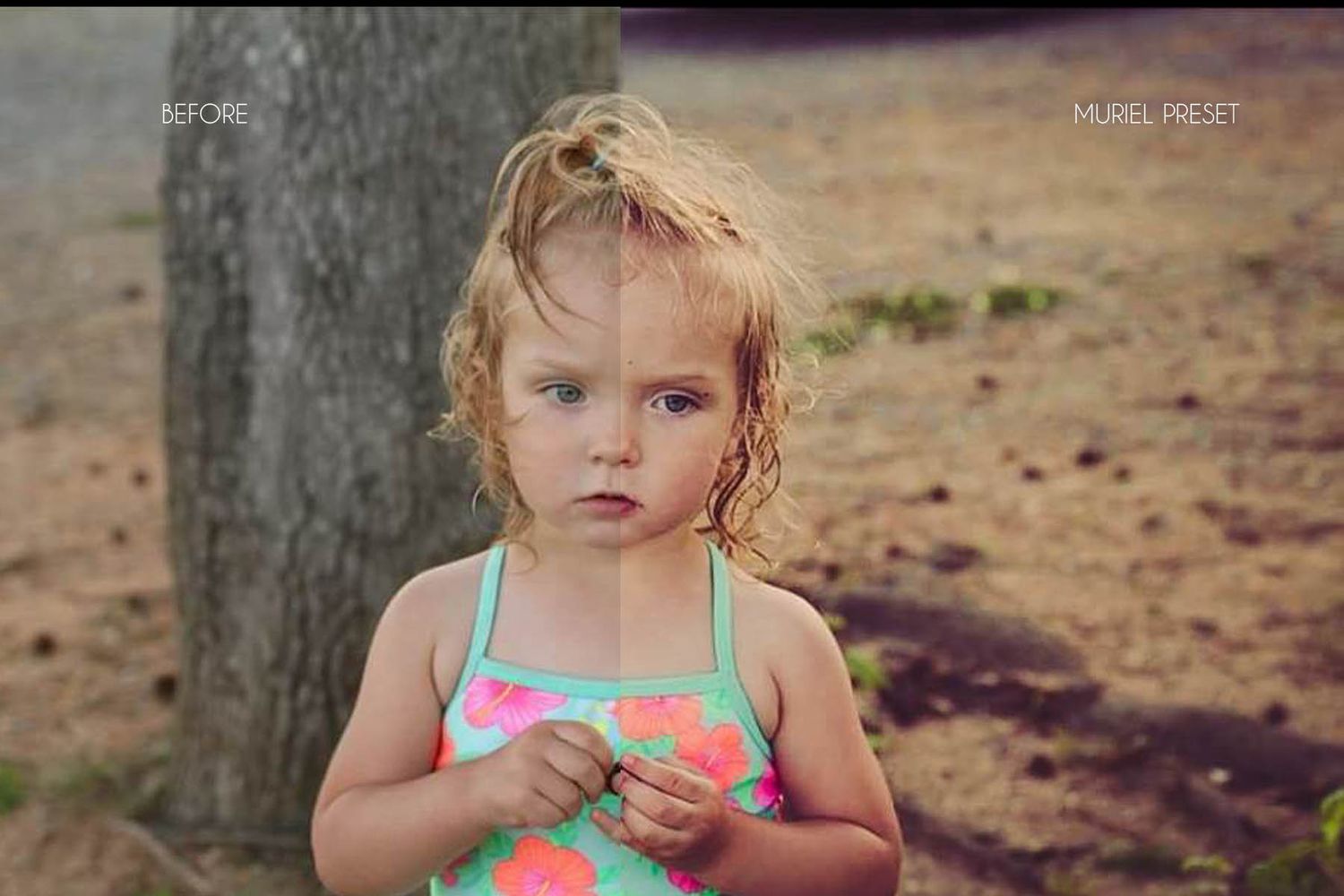
muriel preset

unedited
What is a Preset?
A preset is kind of like a recipe. It's taking the specific way you edit an image and saving it so that you can edit other images the same way later, only a lot faster than the first time. Different presets can give your photos different looks, and trying them out is as simple as a quick tap until you find the perfect fit.
I use presets in my professional work too. It's a big thing that helps me deliver galleries to my clients so fast.
How do I use Presets?
To use my Classic Presets, you'll need the Adobe Lightroom Mobile app. It has a free version and a paid version, but my presets work with both. The download pack includes a step by step instruction guide for installing and using the presets.
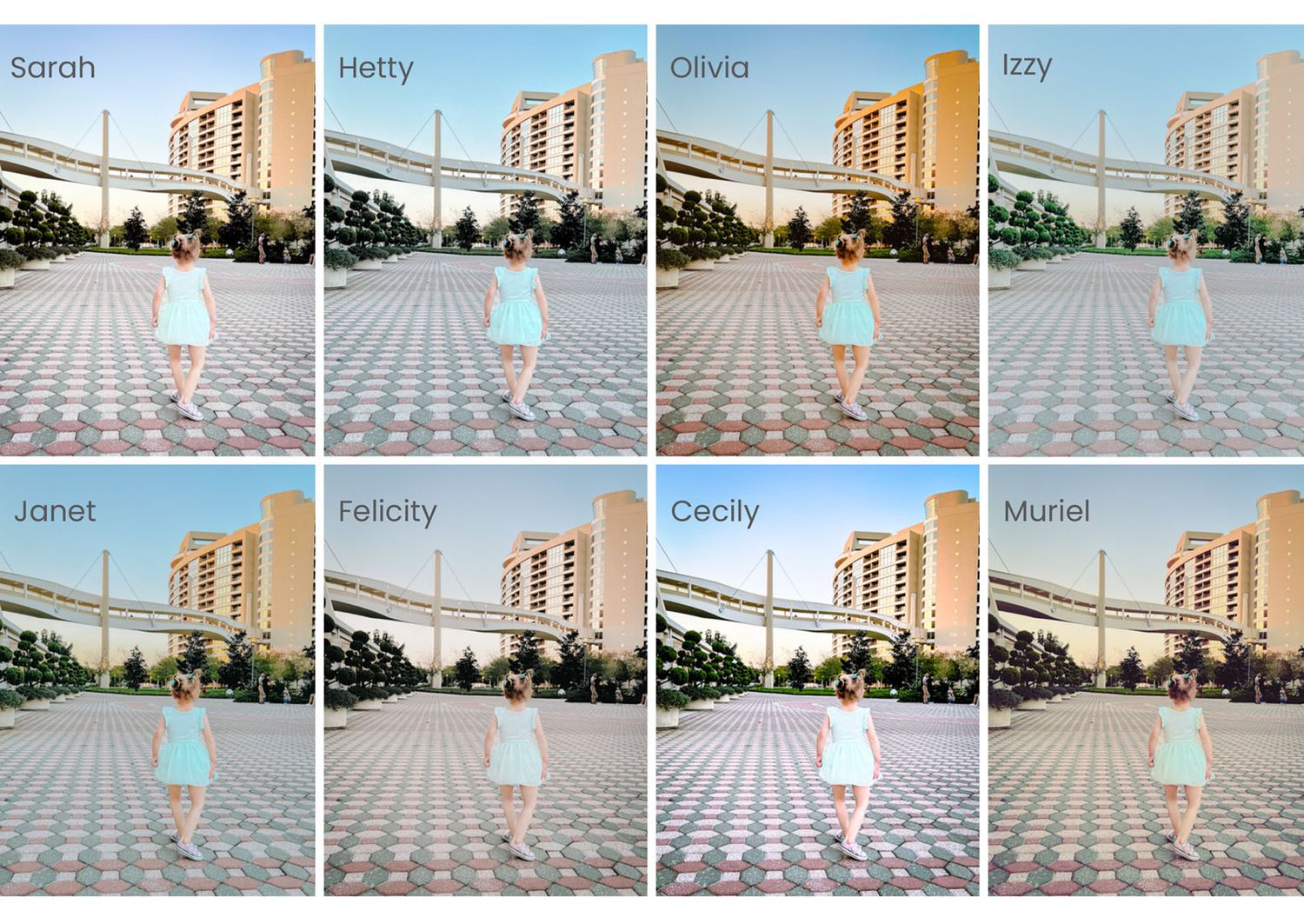
What's included in the download?
The $10 download gets you 8 Lightroom Mobile presets plus the guide that details each preset, as well as gives you instructions for installation and application. You've also always got access to me if you need any troubleshooting help or have any questions.
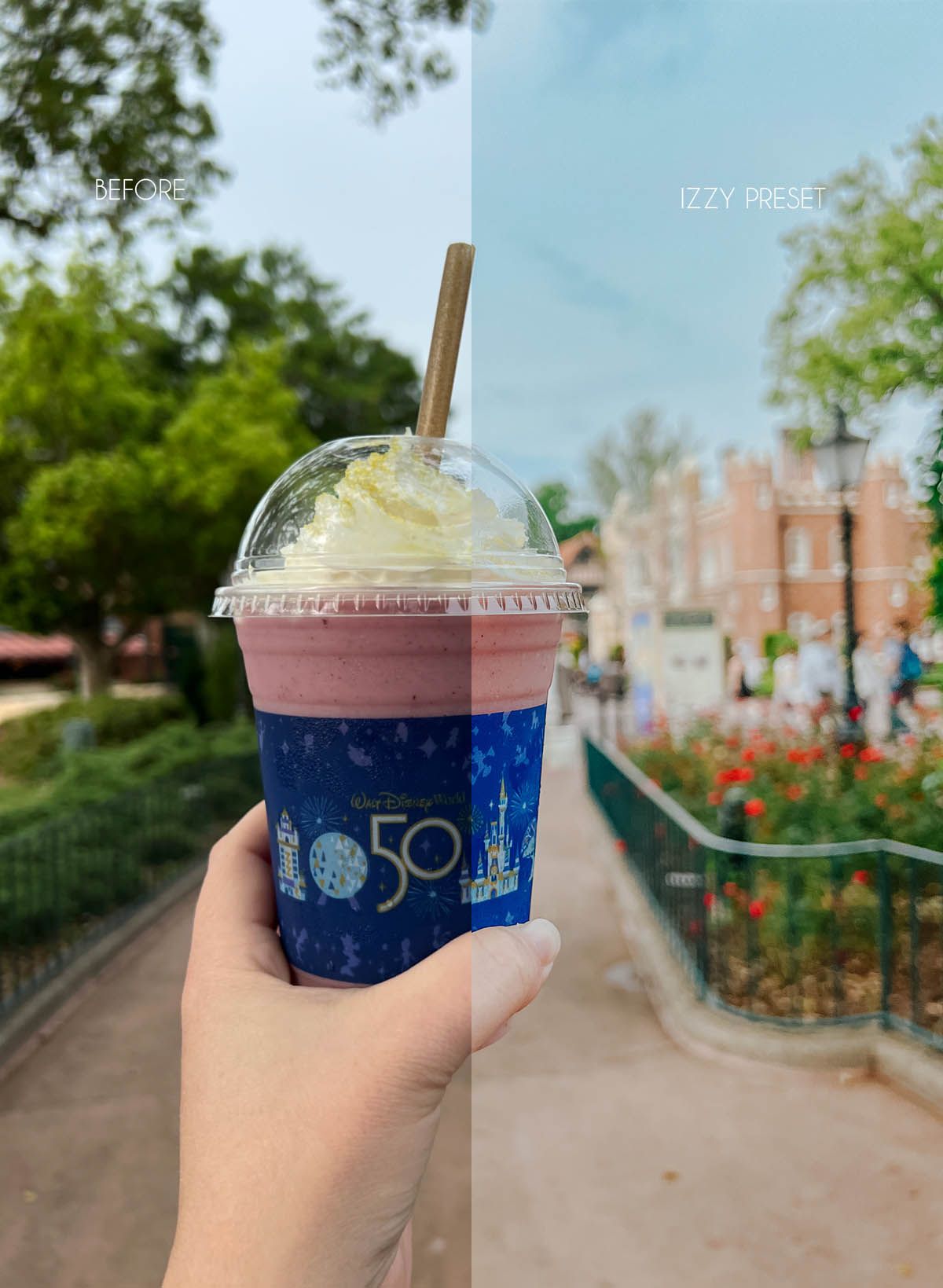
You can scroll through some before & afters below...






Ready to edit?